Scan. Order. Done.
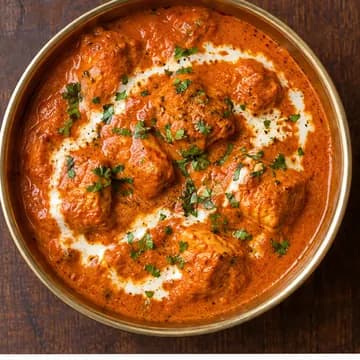
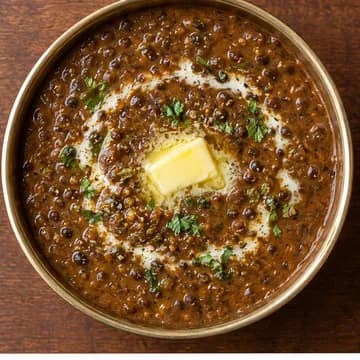
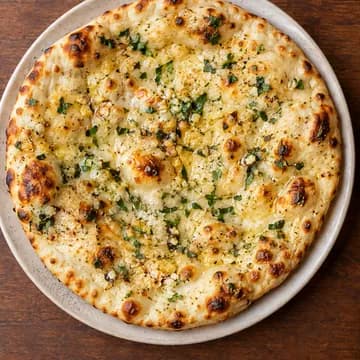
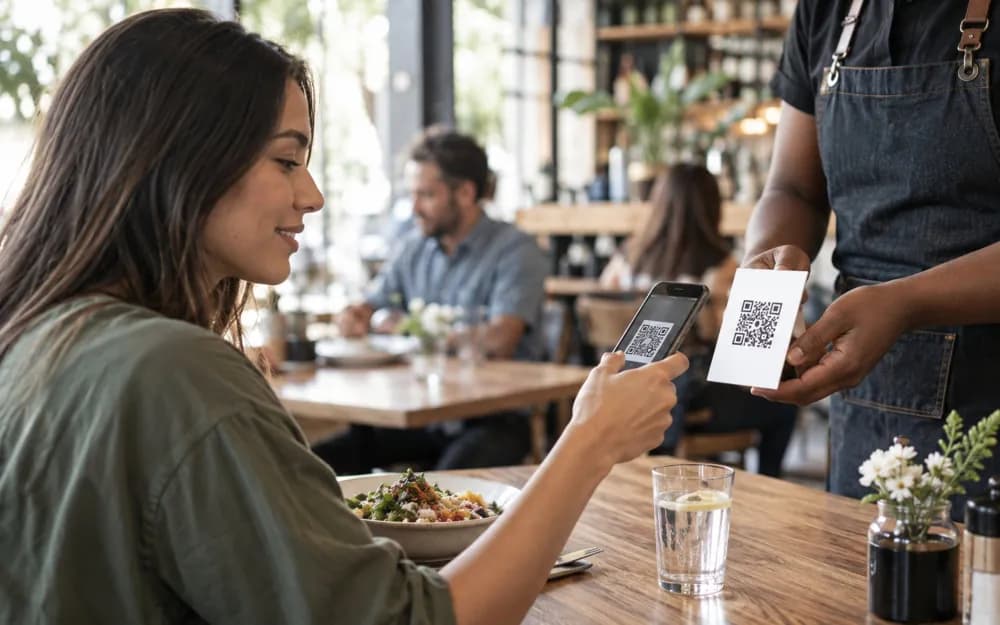
Guests scan the table tent, see today's menu with photos and veg marks, and order to their table. Change prices any time; the printed QR always opens the latest menu.

What you get.
Menu from a photo
Snap your rate list or upload a PDF. AI types in items, prices and veg marks.
Table numbers
Each table gets its own QR, so the order arrives with the table number.
Your QR, your colours
Colourways that scan on every phone, your logo in the middle.
Print studio
Table tents, stickers and standees as exact-size PDFs.
Live in three steps.
Add your menu
From a photo, a PDF or by hand.
Print your QR
Download a table tent or sticker.
Take orders
Accept on your Orders screen.
Questions, answered.
Do guests need an app?
No. The phone camera opens your menu in the browser.
Built for every counter.




Your name. Your QR.
Takes two minutes. Free forever plan.